Building Quote Template Word: Download Free + What to Include
Quick Answer
A building quote template in Word is a Microsoft Word document formatted for contractors to price and present construction jobs. It should include trade-by-trade cost breakdowns, materials versus labour split, payment schedule, exclusions, and validity period. Most builders find Word templates adequate for simple jobs but limiting for complex renovation projects requiring multiple trades.
A Word document is the most common starting point for builders writing their first building quote. It is free, familiar, and flexible enough to produce a document that looks professional when the layout holds together. Thousands of sole traders and small contractors in the UK have used a Word template to win their first jobs, and there is nothing wrong with that as a starting point.
The limitations show up later. When you are juggling ten line items across three trades, calculating VAT manually, and copying a quote from one job to the next, errors creep in. A missed decimal, a rate carried from a previous job, a total that does not match the sum of the parts — any of these can cost you money, erode client trust, or turn a profitable job into a dispute. This guide covers what a building quote in Word should contain, what a well-structured template looks like, and at what point dedicated software makes more sense.
For the full overview of all building quote template formats, see our guide to building quote templates in the UK.
What to Include in a Building Quote
A building quote is a legal document. Once a client accepts it — in writing or by instructing work to start — it forms the basis of a contract. Getting the contents right protects you as much as it protects the client. Here is what every building quote should contain, regardless of whether you produce it in Word, a spreadsheet, or dedicated software.
Reference Number and Date
Assign every quote a unique reference number — something like RC-2026-047. This lets you track which version the client accepted, match the quote to your invoice when the job completes, and refer to a specific document if a dispute arises. Always include the date the quote was produced and the date it expires (your validity period).
Your Company Details
Include your full trading name, registered address, company number (if limited), VAT registration number, and contact details. If you are VAT registered, your quote must show this clearly. Omitting it is a compliance issue, not just an oversight.
Client Details and Project Address
The client's full name (or company name), their address, and the address of the works if different. This removes ambiguity and matters enormously if you ever need to pursue unpaid invoices.
Project Description
A clear, plain-English description of the works. Avoid vague phrases like "full refurbishment" without specifying what that includes. Precision here prevents the single most common source of disputes: the client believing something is included that you intended to exclude.
Itemised Costs — Labour and Materials Separately
Break the works into trade sections (groundworks, brickwork, carpentry, electrics, plumbing, plastering, decoration, and so on) and within each section, show labour and materials as separate line items. This approach serves two purposes: it demonstrates that your pricing is considered and transparent, and it makes it far easier to handle variations when the client changes their mind about materials mid-project.
| Description | Qty | Unit | Rate | Total |
|---|---|---|---|---|
| First-fix carpentry — labour | 3 | days | £280 | £840 |
| Studwork partition — 100mm CLS, 15mm plasterboard both sides | 18 | m² | £12.50 | £225 |
| Door linings and architraves — softwood, primed | 4 | no. | £45 | £180 |
| Carpentry subtotal | £1,245 | |||
Exclusions
List what is not included. Structural engineer's calculations, making good after trades, skip hire, planning fees, Building Control fees, specialist items supplied by the client — if it is not in the quote, say so explicitly. Exclusions are your first line of defence when scope creep starts.
Payment Schedule
Agree and document stage payments before work starts. A typical structure for a medium renovation: deposit on signing (10–20%), stage payments at agreed milestones (first fix complete, plastering complete, second fix complete), and a retention held for 14–28 days after practical completion. Never start a job without a documented payment schedule.
Validity Period
State how long the quote is valid for — 30 days is standard. Material prices and labour rates change. A quote accepted six months after it was written, without a validity clause, can leave you locked into rates that no longer reflect your costs.
VAT Statement
State clearly whether prices are inclusive or exclusive of VAT, and at what rate. For most domestic building work in the UK, the standard rate is 20%. Reduced-rate VAT (5%) applies to certain qualifying work — insulation, energy efficiency measures, conversion of a non-residential property to residential — and zero-rating applies to new builds. Get VAT classification right; HMRC takes it seriously.
Signature Block
Space for the client to sign and date to confirm acceptance. In practice, many clients accept via email — retain all correspondence. A signed quote is cleaner from a legal standpoint and signals professionalism.
What a Well-Structured Word Building Quote Template Contains
A properly laid out building quote template in Word uses a consistent structure that makes it easy to read, easy to complete, and — critically — easy to convert to a PDF before sending. Here is what a well-built template covers.
Note on free templates: Because RenoCalc generates a professional cover letter automatically as part of every free quote pack, we direct you there rather than hosting a separate Word download. A RenoCalc cover letter is ready to send in under 3 minutes — no manual typing required.
Header Block
Your logo top-left or top-centre. Company name, address, telephone, email and website in a smaller font below. Opposite, the document title ("Building Quotation"), the reference number, the date issued and the date the quote expires. Keep this clean — do not crowd it.
Client and Project Details
A short two-column block: "Prepared for" on one side (client name, address), "Project address" on the other if different from the client's address. Below this, one or two sentences describing the works in plain English.
Itemised Cost Table
The core of the document. A Word table with columns for: Description, Quantity, Unit, Rate (£), and Total (£). Group rows by trade under bold section headers. Use table formatting to make section totals visually distinct — a slightly shaded row works well in Word without overcomplicating the template.
Summary and VAT Calculation
At the base of the table: subtotal (net), VAT amount, and gross total. In Word these are typed manually — there are no live formulas, which is one of the format's key limitations.
Exclusions, Terms and Payment Schedule
A bullet list of exclusions followed by a short paragraph on payment terms. Keep this concise — two or three paragraphs maximum. The detail is in the exclusions list, not the narrative.
Signature Block
Two signature lines at the foot: one for the builder, one for the client. Include the date field alongside each. Save as PDF before sending — a Word file sent to a client is an invitation for the contents to be altered, intentionally or by accident.
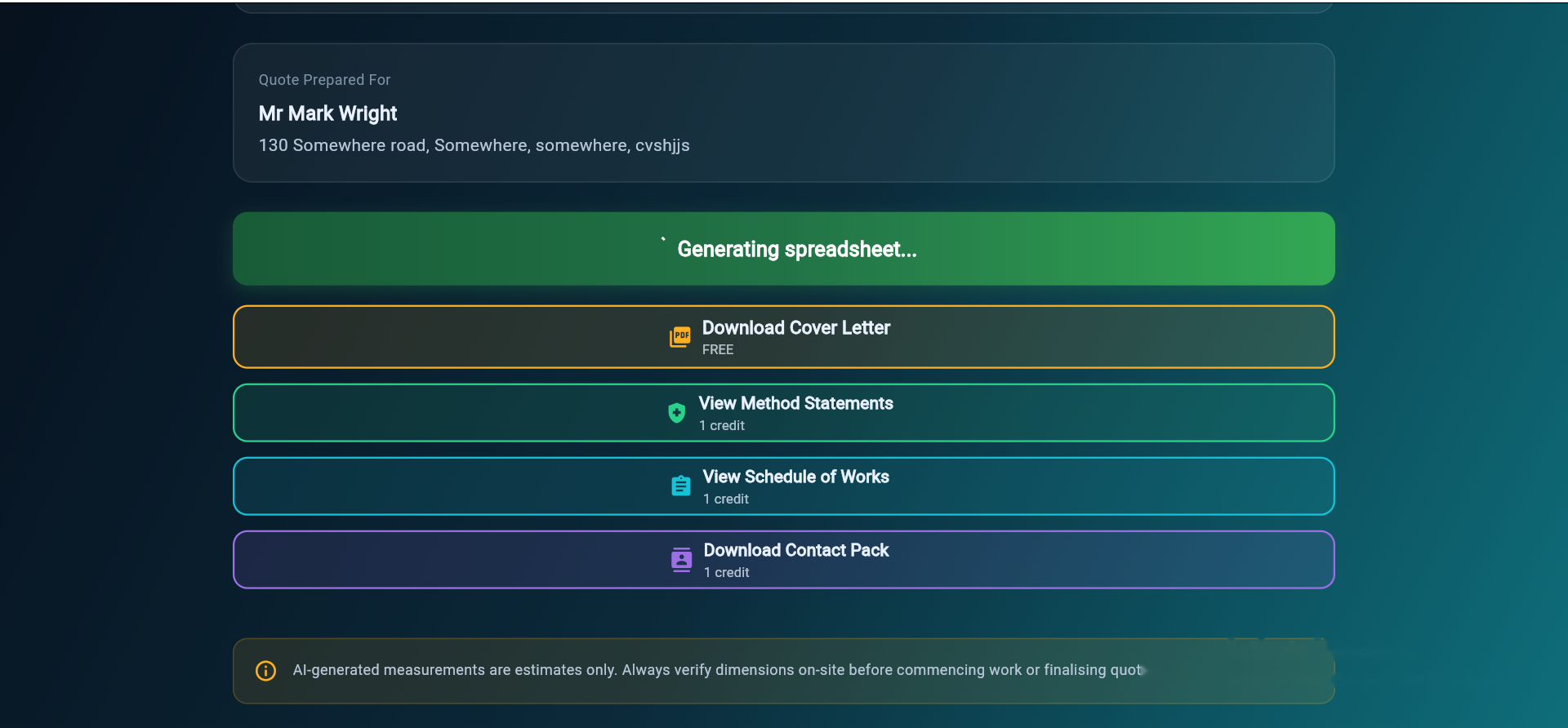
RenoCalc generates a professional cover letter free, every time. Upload your floor plan, get a full quote pack in under 3 minutes — no Word template needed.
Try Free — No CardThe Honest Limitations of Word Templates
Word templates work on small, straightforward jobs. When the scope grows, the limitations become practical problems rather than minor inconveniences. Here is where Word genuinely falls short.
Manual Data Entry on Every Quote
Every rate, every quantity, every total must be typed by hand. There is no price library to pull from, no calculation that adjusts automatically when a quantity changes. On a three-line quote for a bathroom caulk, this is fine. On a forty-line quote covering six trades, the chance of a transcription error is high — and in a document sent to a client, errors undermine your credibility before work starts.
No Auto-Calculations
Word is a word processor, not a calculator. Subtotals, VAT calculations, and totals are all entered manually. A builder who is also running a site, managing materials and dealing with clients is working at pace — and pace is when arithmetic errors happen. A missed digit on a materials total can shift your margin by hundreds of pounds on a single trade section.
No Price Library
Every time you write a quote in Word, you start from scratch — or you copy from a previous job and risk carrying over rates that no longer reflect current material costs. In 2024 and 2025, material price volatility meant that rates from six months ago were routinely 10–15% out. A price library that you can update in one place and apply to all future quotes is something Word simply cannot offer.
Difficult to Maintain Consistency
Across a firm with two or three builders, each producing their own quotes from their own version of a Word template, consistency is almost impossible. Clients notice when two quotes from the same company look different, are structured differently, or use different terms. It reads as disorganisation.
No Link to the Works Itself
A Word quote is a static document. It does not connect to a floor plan, a schedule of works, or a method statement. If the client changes a room layout, the quote must be retyped from scratch. There is no intelligence in the document — it cannot flag that the bathroom area has increased by 15% and therefore the tiling allowance needs adjusting.
The rule of thumb from 32 years in the trade: Word is fine up to roughly five line items and two trades. Above that, use a spreadsheet or dedicated software. The time saved on your third or fourth quote pays for any software cost many times over.
If you regularly quote jobs covering multiple trades, you will also want to look at construction quote templates in Excel format and PDF quote templates — each format has different strengths depending on how you work and what you send to clients.
Skip the Template: RenoCalc Generates It for You
If you are quoting jobs regularly, the time spent building and maintaining a Word template — and then filling it in manually for each quote — is time that could be spent on site. RenoCalc was built specifically to solve this: upload a floor plan, and the system generates a full quote pack in approximately three minutes.
What RenoCalc Outputs
- Cover letter — professional, branded, ready to send to the client. Free on every quote.
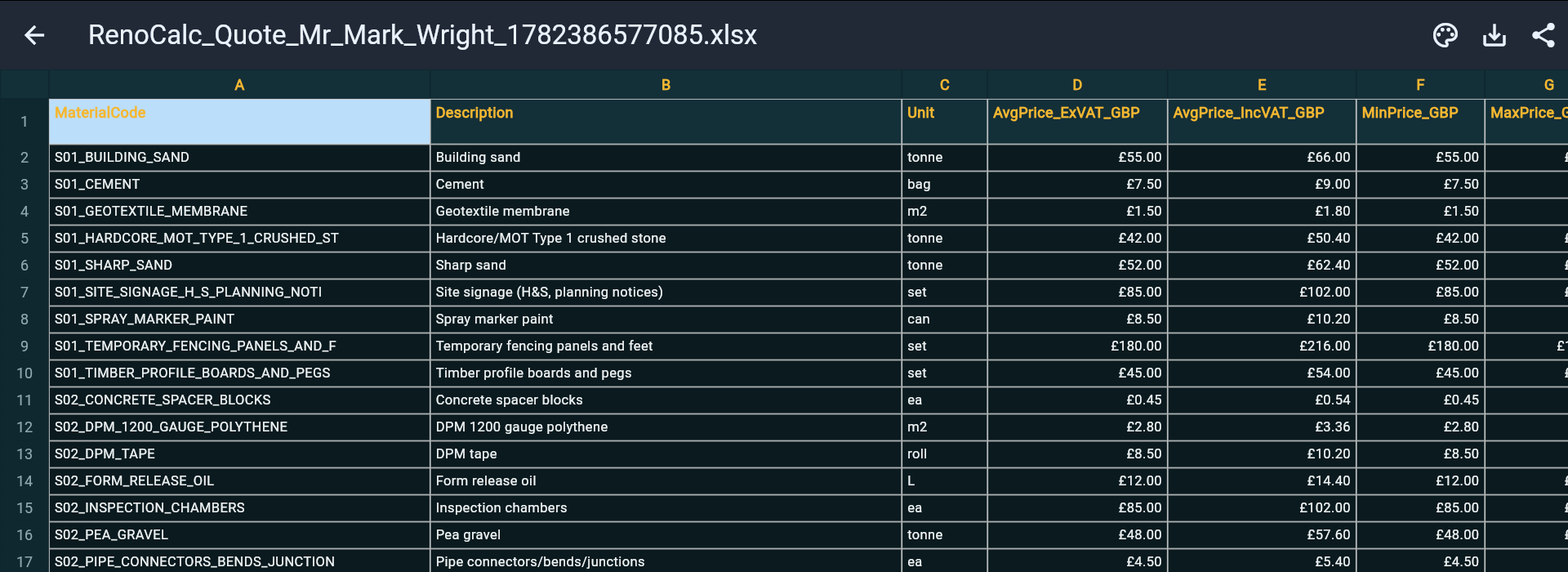
- RenoCalc Spreadsheet — full itemised cost breakdown by trade, with labour and materials separated, quantities calculated from the floor plan.
- Schedule of works — the sequence of trades and tasks for the project.
- Method statements — for the key trades and activities on the job.
- Contract pack — documentation to protect both parties before work starts.
The cover letter — the equivalent of the Word template most builders start with — is included at no cost on every quote. There is no manual typing, no rate lookup, and no risk of arithmetic errors in the totals. The output is a polished PDF ready to present to any client, from a first-time homeowner to a professional property developer.
For a worked example of what a complete building quote looks like, see our building quote example guide — showing a real quote structure from introduction to payment terms.
Watch RenoCalc in Action
The video below shows how RenoCalc processes a floor plan and generates the full quote pack — from upload to completed output.
Pricing
RenoCalc runs on a free tier (no card required) plus paid plans at £9.99, £19.99 per month, £74.99 per month and £399.99 per month depending on quote volume and team size. The cover letter is free on every plan. For a builder doing two or three quotes a month, the free tier or the entry-level plan is sufficient. For a firm quoting multiple projects simultaneously, higher tiers unlock additional output formats, team access and priority processing.
Generate a Professional Building Quote in Under 3 Minutes
Upload your floor plan and RenoCalc produces a full quote pack — cover letter, RenoCalc Spreadsheet, schedule of works, method statements and contract. The cover letter is free, every time.
Start Free — No Card NeededFrequently Asked Questions
How do I format a building quote in Word?
Start with a header containing your company name, logo, address and contact details. Add a unique reference number and the date, followed by the client's name and project address. Use a Word table for the itemised cost breakdown — one column for description, one for quantity, one for unit rate and one for the line total. Keep labour and materials as separate line items within each trade section. Include exclusions, a payment schedule, a validity period (typically 30 days), a VAT statement and a signature block at the end. Save the file as a PDF before sending so the layout cannot be altered by the recipient.
What should a building quote include?
A professional building quote must include: a unique reference number, the date and validity period, your company details (name, address, company number, VAT number), the client's name and project address, a clear project description, an itemised cost breakdown separating labour and materials by trade, a list of exclusions (what is not included), a payment schedule showing stage payments and amounts, a VAT statement, and a signature block. For larger jobs, a schedule of works and a brief method statement add further credibility and protect both parties.
What size should a building quote be?
A quote for a small job — fitting a bathroom or replacing a kitchen — might run to one or two pages. A medium renovation covering multiple trades should typically be three to five pages including a cover letter, itemised cost table and exclusions list. Large or complex projects — whole-house renovations, extensions or commercial refurbishments — warrant a full quote pack: cover letter, detailed schedule of works, method statements for key trades, and a contract. The document should be as long as it needs to be to be unambiguous, and no longer.
Can I use a Word template for large building jobs?
You can, but it becomes increasingly risky as job size grows. On a large renovation covering ten or more trades, a manually typed Word quote is error-prone: totals can be miscalculated, line items omitted, or carried over from a previous job without being updated. There is also no built-in price library, so rates must be looked up and entered by hand each time. For large jobs, dedicated quoting software that calculates from a floor plan — such as RenoCalc — reduces errors, saves time, and produces a more professional document that holds up to client scrutiny.
Is a building quote legally binding?
A signed building quote is generally considered a legally binding contract in the UK once both parties have agreed to the terms — whether that agreement is in writing or implied by the client instructing work to begin. For full legal protection, the quote should clearly state the scope of works, the agreed price, payment terms, what is excluded, and how variations will be handled. For any job above a few thousand pounds, it is advisable to use a formal contract document — such as a JCT Minor Works Contract — rather than relying on the quote alone.