How to Do a Material Takeoff: A Builder's Step-by-Step Guide
Quick Answer
A material takeoff (MTO) is the process of measuring every material required for a construction project from drawings or a site survey, calculating quantities, and listing them with units and pricing. Steps: get drawings, list elements by trade, measure areas and linear metres, apply waste factors (tiles 10–15%, bricks 5–8%, plasterboard 10%), price from your supplier list. RenoCalc automates this from a floor plan.
A material takeoff is the process of working through your drawings and calculating every material the job needs — what it is, how much of it, and what it costs. Get this right and your estimate has a solid foundation. Get it wrong, or skip it entirely, and you'll either lose money on the job or lose the job with an inflated price.
I've done material takeoffs by hand for 32 years. The method hasn't changed much — drawings in, quantities out — but the tools have. This guide covers the full process step by step, including the most common mistakes that cost builders money, and how modern AI tools can do the heavy lifting if you're quoting renovation jobs from floor plans.
See also: House renovation cost per m2 UK for reference rates once your takeoff is complete.
Step 1: Get the Drawings
You cannot do a reliable material takeoff without drawings. A floor plan, elevations and — ideally — section drawings are your single source of truth. Everything you measure comes from these documents.
If the client doesn't have drawings, you have two options: commission them (an architect or architectural technician will produce measured drawings for a fee), or do a measured survey yourself and sketch out the key dimensions. For small jobs this is fine. For anything above £10,000 in material value, proper drawings are essential — both for the takeoff and for your own protection if disputes arise later.
Check the drawing scale before you measure. A 1:50 floor plan means 1mm on the drawing equals 50mm on site. If you're measuring from a PDF, check the scale bar still works at the print size you're using — PDFs printed at "fit to page" often change the scale.
Step 2: List Every Element by Trade
Before you measure anything, build your list. Work through the job trade by trade and write down every element that requires a material. This sounds obvious but it's where most omissions happen — people jump to measuring and miss entire categories.
A typical renovation takeoff list works through:
- Groundworks and drainage — excavation, hardcore, concrete, drainage pipes and fittings
- Structure — steels, timber frame, lintels, padstones
- Roofing — felt, battens, tiles or slates, flashings, ridge, valley, gutters and downpipes
- External walls — bricks or blocks, mortar, wall ties, cavity insulation, DPC
- Windows and doors — units, frames, ironmongery, sills, lintels
- Internal walls — blockwork or stud, plasterboard, insulation, soundboard
- First fix — joists, noggins, flooring substrate, pipe runs, cable, back boxes
- Insulation — floor, wall, ceiling, specialist (PIR, mineral wool)
- Plastering — bonding, finish coat, beads and trims
- Second fix — sanitaryware, radiators, sockets and switches, light fittings
- Finishes — tiles, flooring, skirtings, architraves, paint
This list is your checklist. Every item that gets missed at this stage adds cost to the job that won't be in your quote.
Step 3: Measure Each Element
Now work through your list and measure every element from the drawings. For each item, you need to establish the correct unit — area (m2), linear metres (m), volume (m3), or a counted quantity (number of units).
Measuring areas (m2)
For floor areas, wall areas, ceiling areas and roof areas: length x width. For irregular shapes, break into rectangles and add them up. Always work to external dimensions for external walls, internal dimensions for internal finishes.
Measuring linear metres
Skirtings, architraves, gutters, pipe runs, ridge lines, eaves, draught strips — all measured in metres. Measure along the centre line for pipes and conduit, along the perimeter for skirtings.
Counted quantities
Windows, doors, light fittings, radiators, sanitaryware, drainage inspection chambers — counted as units. Write the count, the specification, and the unit cost once you have it.
Be systematic: go room by room, elevation by elevation. Don't rely on memory or estimates — measure it. A mistake of even 5% on a large flooring or brickwork order costs real money.
Step 4: Apply Waste Factors
Raw measurements are never what you order. Every trade has cutting waste, damage during delivery, breakages during installation, and off-cuts that can't be reused. If you order to exact measurement you will run short on site, causing delays while you wait for another delivery.
| Material | Waste Factor | Notes |
|---|---|---|
| Ceramic / porcelain tiles (straight lay) | 10% | Increase to 15% for diagonal or herringbone |
| Natural stone tiles | 15% | Higher breakage rate; can't match batch later |
| Bricks | 5–8% | 5% for experienced bricklayers; 8% for complex work |
| Concrete blocks | 5% | Fewer cuts than brickwork |
| Plasterboard (straight rooms) | 10% | Increase to 15% for complex ceiling geometries |
| Timber (structural) | 5–10% | Higher if lots of cuts or attic work |
| Engineered flooring / LVT | 10% | 15% for herringbone |
| Carpet | 10–15% | Depends on room shape; standard rooms 10% |
| Roofing tiles / slates | 5–10% | 10% for hips and valleys |
| Insulation boards (PIR, EPS) | 5–8% | Mostly offcuts at edges |
Apply waste to the net quantity, then round up to the nearest purchasable unit — the nearest pack, the nearest pallet, the nearest roll. Most suppliers don't split packs. The Federation of Master Builders (FMB) recommends documenting waste allowances in your estimate for any job over £5,000 so they can be cross-checked if a dispute arises.
Step 5: Price Each Item from Your Supplier
Once you have your quantities with waste applied, you need current prices. This means current prices — not last year's rates, not what something cost on the last job. Material prices in the UK have been volatile since 2021, and even stable periods see individual products move significantly.
Use your trade account pricing where you have it — your merchant relationship should get you better rates than the public price. For items outside your normal range, call a specialist supplier or use a current online price as a cross-check. For project health and safety compliance on site, refer to HSE Construction guidance to ensure your prelims include any required safety measures that affect material orders.
For each item, record: the net quantity, the waste-adjusted quantity, the unit price, and the total cost. A spreadsheet with these four columns per line item gives you everything you need to audit your own estimate and explain it to a client if challenged.
Step 6: Total by Trade and Overall
Subtotal each trade section separately before adding up the overall material cost. This matters for two reasons:
- It lets you check material costs against your labour costs by trade — a useful sanity check. If your flooring materials come to £3,000 but your labour allowance is £800 for laying 80m2 of tiles, something's wrong in one column or the other.
- It makes it much easier to find and fix an error. If a client comes back and says the plastering seems high, you can go straight to that section rather than hunting through a single undifferentiated total.
Once you have trade subtotals, add preliminaries (skip hire, welfare facilities, temporary protection), then your margin or markup, then VAT at the applicable rate. That's your material cost component of the full quote.
Takeoff Tools: Manual, Spreadsheet, or AI
The method above works with any set of tools. What changes is how long it takes.
Manual (scale rule and calculator)
The original method. Works perfectly well. Takes the longest. Best for builders who want to check every dimension themselves, or for small jobs where a quick hand measurement is quicker than setting up a spreadsheet. The risk is transcription errors — a misread figure that carries through the entire estimate.
Spreadsheet
A well-built spreadsheet with formula chains is significantly faster for pricing once you've input the quantities. The takeoff itself — the measuring — still has to be done manually, but the pricing and totalling is automatic. RenoCalc's Spreadsheet output (40,000+ formulas, UK material price library) is an example of a purpose-built construction estimating spreadsheet.
AI (RenoCalc)
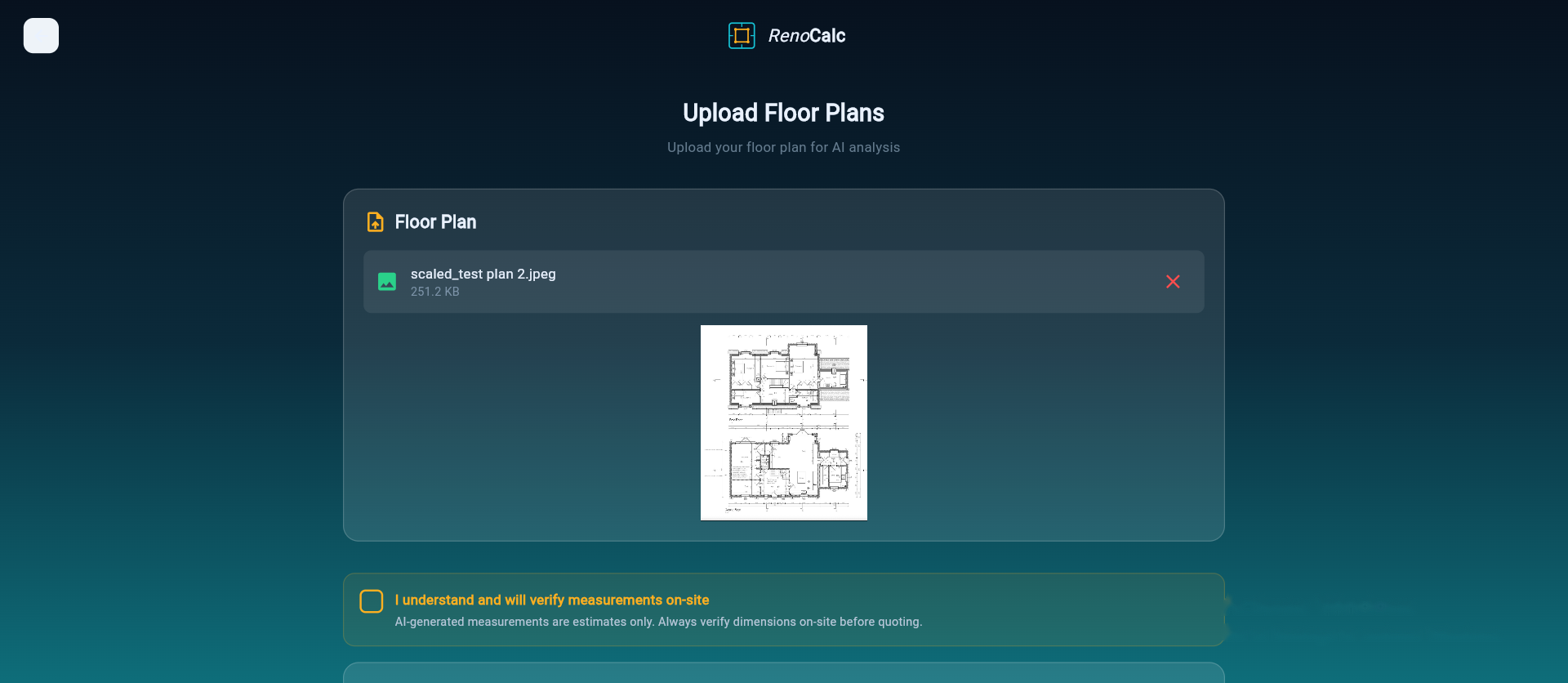
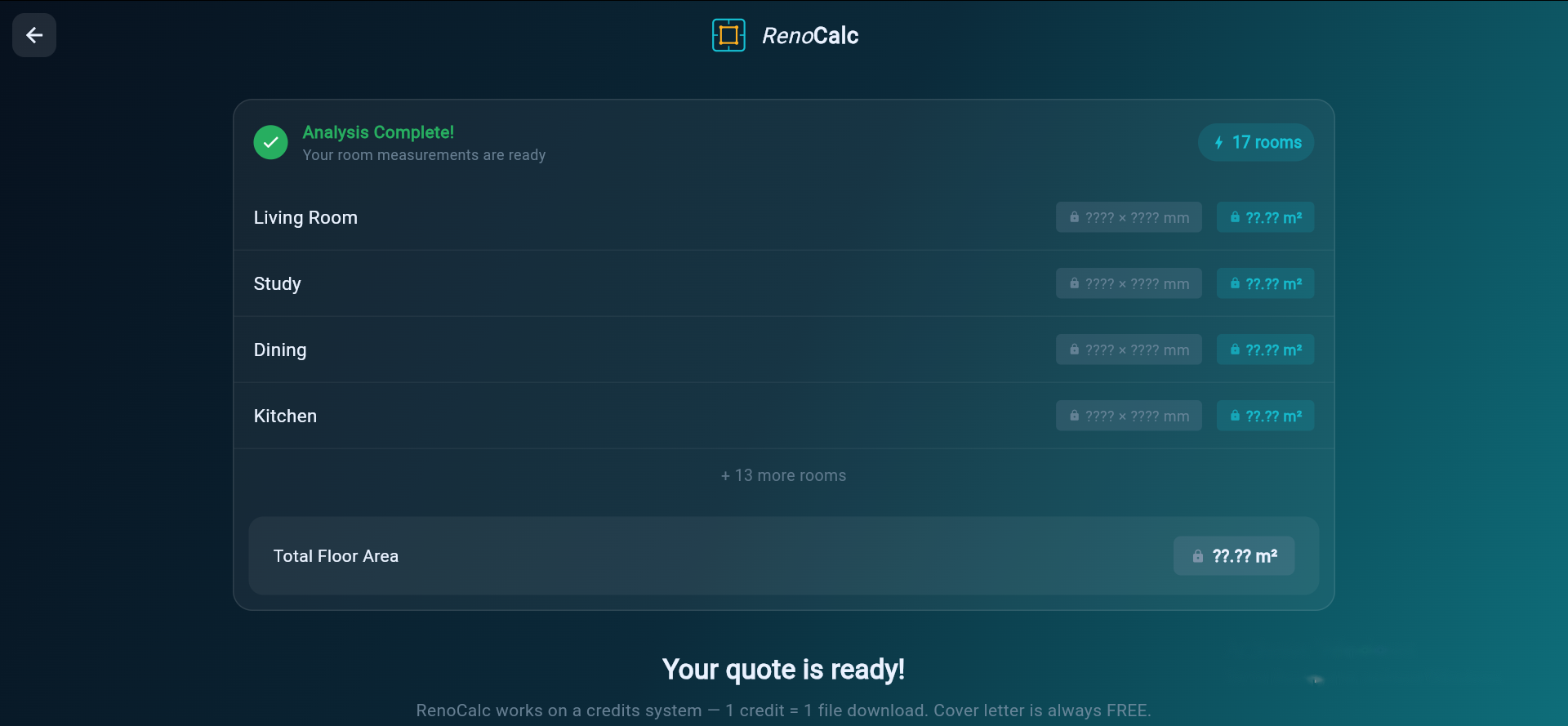
Upload your floor plan to RenoCalc and the AI reads the drawings, identifies every space, calculates areas and linear measurements, applies trade-standard waste factors, and prices materials from its UK library. The full quantity takeoff — which would take a builder 4–12 hours manually — is completed in a few minutes. The output is a structured quote pack including a cover letter, schedule of works, method statements and contract pack. For renovation quoting at speed, this is where the industry is heading.
Related: How to estimate construction costs, building materials quote template UK, how to calculate renovation costs, and how long does a building quote take.
Common Mistakes to Avoid
Forgetting waste
The most common and most expensive mistake. If you order 100m2 of tiles for 100m2 of floor, you'll be back to the merchant before the job is done — paying retail price and losing a day's work. Always apply waste factors before pricing.
Not measuring openings out of walls
For wall finishes, brickwork, blockwork and plasterboard, measure the gross wall area first, then deduct the door and window openings. Forgetting to deduct openings overstates material quantities — particularly on elevation brickwork with lots of fenestration. For internal wall plastering, missing the deduction means you're pricing material that doesn't exist.
Using the wrong unit
Pricing skirting board by the m2 instead of linear metres, or pricing tiles by the box rather than per m2, creates errors that are hard to spot without a second pair of eyes. Set your unit system at the start of the takeoff and stick to it throughout.
Using old prices
A price list from six months ago is not current pricing. Get fresh quotes for every job above small value — your merchant should have current trade pricing available within 24 hours.
Measuring from an unscaled digital drawing
PDF drawings can be scaled differently to what the title block says, depending on how the architect exported the file. Always check the scale bar on the drawing against a known dimension before measuring.
Watch: How RenoCalc Does a Material Takeoff from a Floor Plan
This demo shows RenoCalc reading a floor plan and completing the full quantity takeoff and pricing in under three minutes — covering every trade from groundworks to decoration.
Frequently Asked Questions
What is a material takeoff in construction?
A material takeoff (also called a quantity takeoff or materials takeoff) is the process of measuring and listing every material required for a building or renovation project, with quantities, from the project drawings. It's the foundation of any accurate building estimate — without a takeoff, you're guessing at material costs rather than calculating them.
How long does a material takeoff take?
For a small job (single room, one trade), a takeoff might take 30–60 minutes. For a full house renovation across multiple trades, expect 4–12 hours of manual takeoff work. AI tools like RenoCalc can complete the quantity takeoff from a floor plan in a few minutes, which is why they're increasingly used for renovation quoting.
What waste factor should I use for tiles?
For standard straight-lay ceramic or porcelain tiles, use 10% waste. For diagonal or herringbone patterns, use 15%. For complex cuts around irregular walls, shower trays or intricate layouts, go up to 15–20%. Always round up to the nearest box and check the batch number — ordering more from a different batch mid-job is a common and expensive mistake.
Should I deduct openings when measuring walls for plasterboard?
For door openings, yes — deduct the opening area from your wall area. For window openings, it depends on whether you're also boarding the reveal and soffit. For small openings under 1m2, many experienced estimators don't bother deducting — the offcuts still get wasted. The key is to be consistent in your method across the job.
Can I use AI to do a material takeoff?
Yes. RenoCalc reads your floor plan using AI and performs the quantity takeoff automatically — measuring areas, calculating linear metres, applying waste factors and pricing materials from its UK price library. It takes a few minutes rather than hours, and the outputs are formatted into a professional quote pack. It doesn't replace trade knowledge, but it removes the most time-consuming part of the quoting process.
What is the difference between a material takeoff and a bill of quantities?
A material takeoff is typically prepared by the contractor for their own pricing — it lists materials and quantities to build an estimate. A bill of quantities (BoQ) is a formal document prepared by a quantity surveyor for tender purposes, following NRM or SMM7 measurement rules, used to obtain comparable tenders from multiple contractors. For most residential renovation work, a material takeoff is sufficient; a BoQ is used on larger commercial or complex projects.
Do Your Takeoff Properly — Every Time
A material takeoff done well is the difference between a profitable job and a break-even one. The steps are straightforward: get the drawings, list every element, measure carefully, apply waste, use current prices, total by trade. Where most builders lose money is the shortcuts — missing items, forgetting waste, using old prices.
If you're doing multiple renovation quotes a week and spending hours on each takeoff, that's the problem RenoCalc was built to solve. Upload your floor plan and get a full material takeoff and priced quote in minutes.
Get Your Material Takeoff Done in Minutes
RenoCalc reads your floor plan, calculates quantities for every trade, applies UK waste factors and prices materials from its live library. Floor plan in, quote pack out — in under 3 minutes.
Try RenoCalc Free