Rightmove Floor Plan to Renovation Budget in Under 5 Minutes
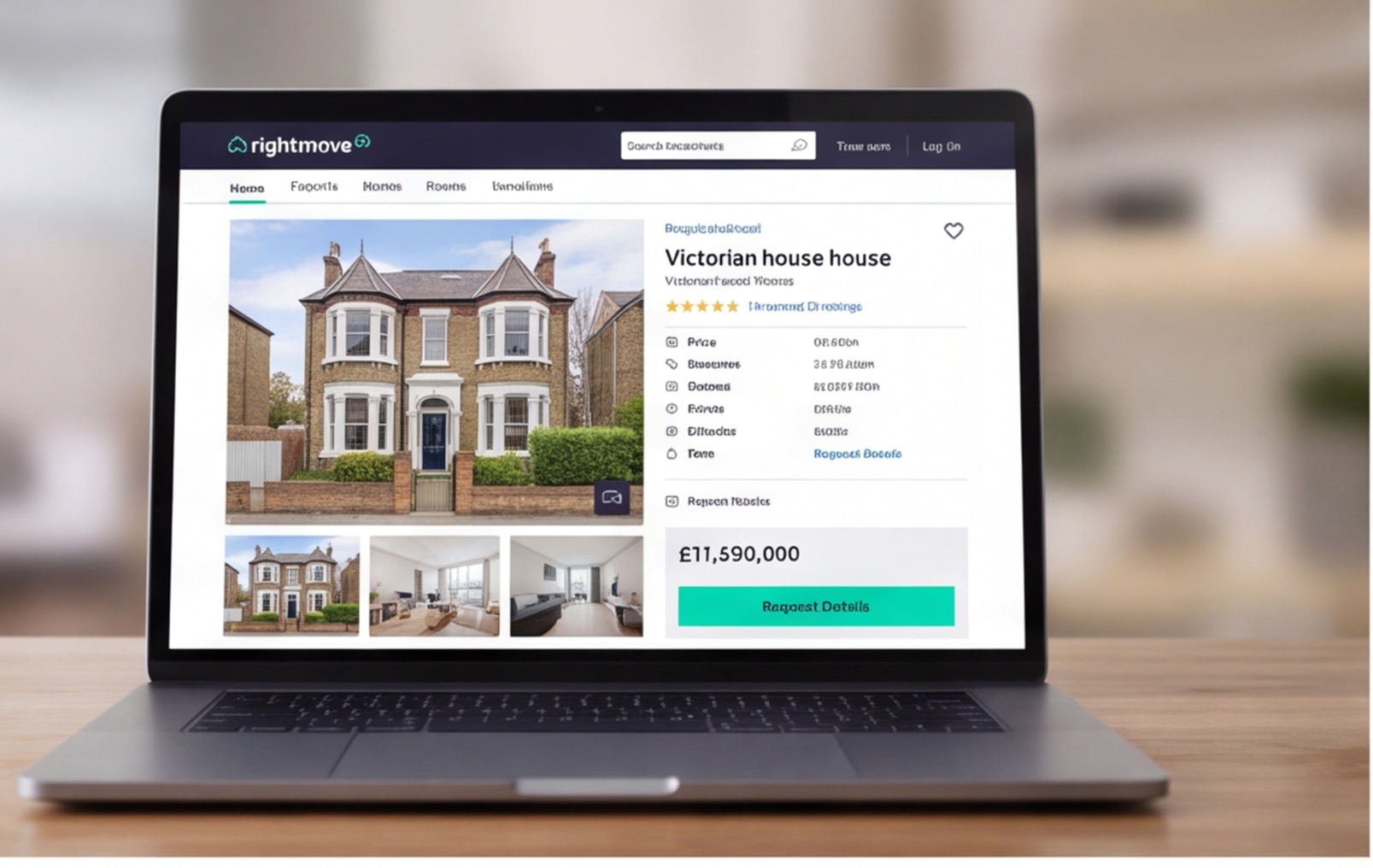
Every property investor knows the drill: you're scrolling Rightmove at 11pm, you spot something that looks interesting, and you want to know in the next five minutes whether the renovation cost makes the deal worth pursuing. That's where Rightmove floor plan renovation cost estimation becomes a genuine competitive skill. The floor plan is sitting right there on the listing. With the right approach, you can extract area data, classify the refurb scope and build a working budget before you even book a viewing. This article shows you exactly how to do that.
What a Rightmove Floor Plan Actually Gives You
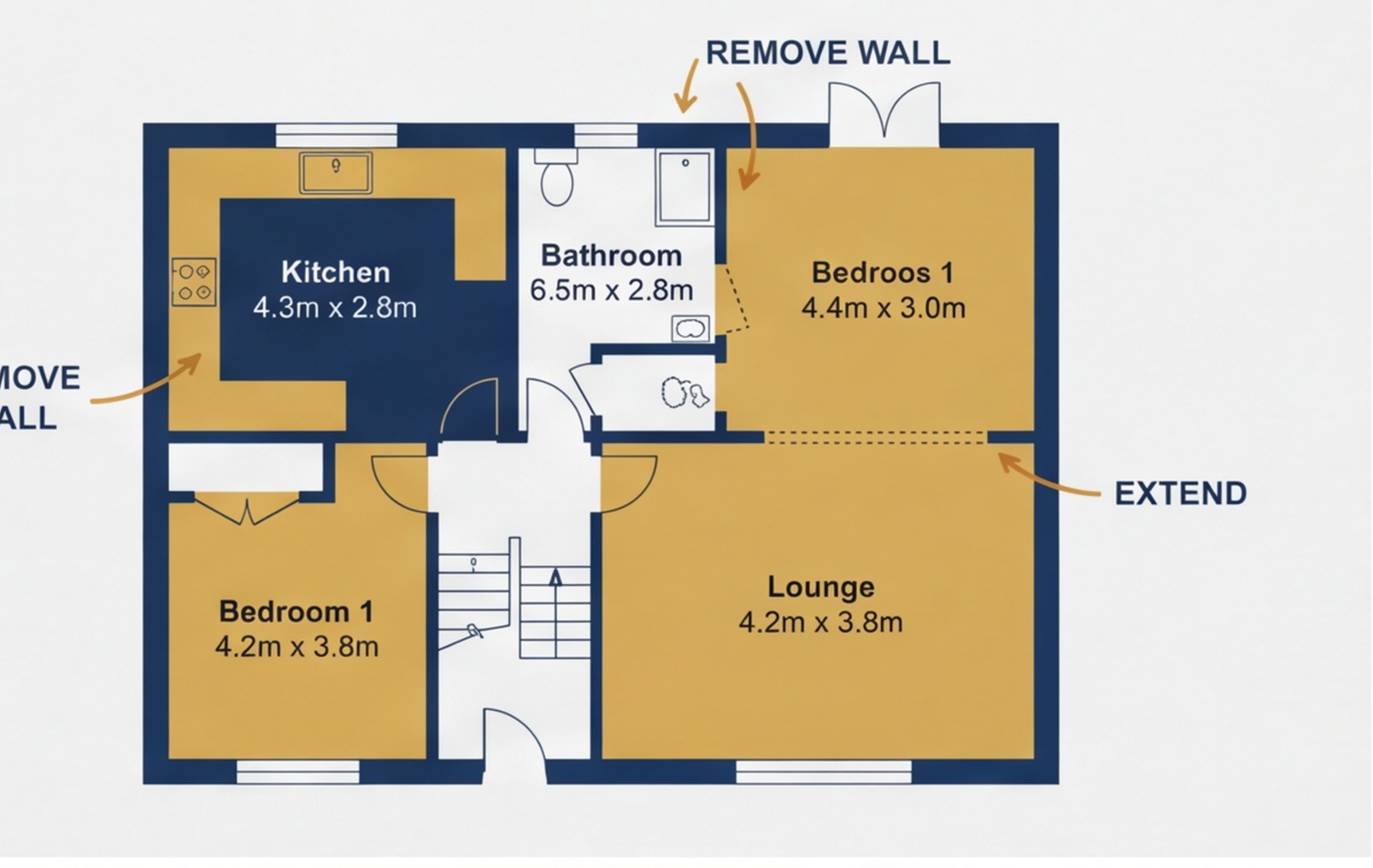
Estate agent floor plans on Rightmove are produced for marketing, not construction. They're made to help buyers visualise the layout, not to give builders a precise spec. That said, they contain useful data if you know what to extract.

From a typical Rightmove floor plan you can reliably extract:
- Floor area — add up the room dimensions across every floor. Many plans print dimensions directly on the plan in metres
- Number of wet rooms — bathrooms, en suites, shower rooms and kitchens. These drive a disproportionate share of renovation costs
- Room layout — whether rooms flow logically or whether a reconfiguration is needed
- Property footprint — whether there's a rear extension, outbuilding or garage that adds to the scope
- Staircase position — relevant if you're considering adding floors or reconfiguring the first floor
What you can't extract from a Rightmove floor plan: ceiling heights, structural wall positions, service locations, the age or condition of existing finishes, or any detail about what's hidden inside the fabric of the building.
The 5-Minute Floor Plan to Budget Process
Here's the process I use when I want a quick renovation budget from a Rightmove listing.
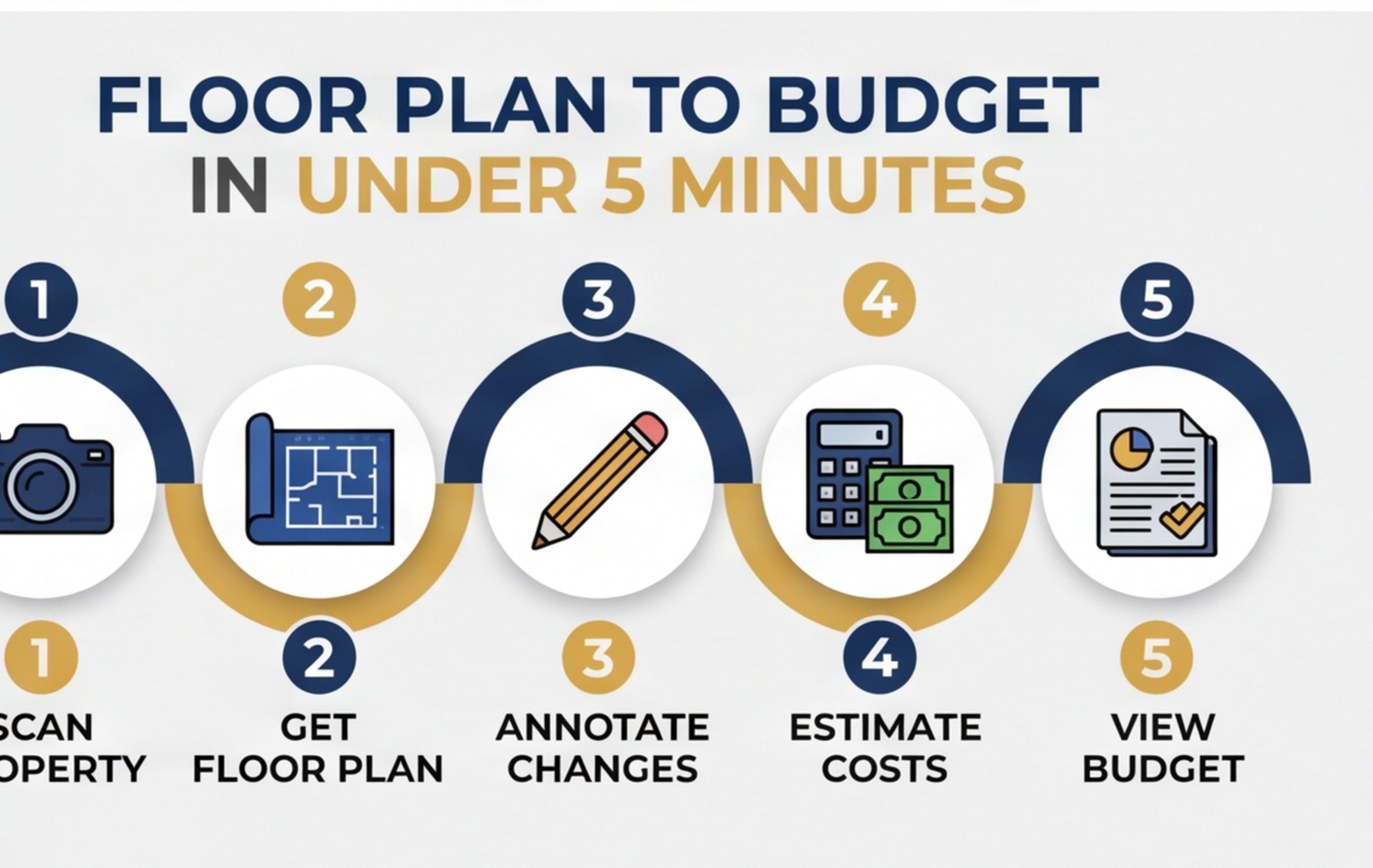
Step 1: Calculate total floor area (60 seconds)
Add up the room dimensions printed on the plan. Include every room on every floor — don't skip landings, hallways or WCs, because they all need decoration at minimum. If dimensions aren't printed, estimate from typical UK room sizes (single bedroom ≈ 9–10m², double bedroom ≈ 14–16m², standard bathroom ≈ 5m²). Note that your total is approximate.
Step 2: Count the wet rooms (15 seconds)
Count every bathroom, shower room, en suite and kitchen. These are your highest-cost elements per square metre. A property with one kitchen and two bathrooms is a different renovation proposition to one with one kitchen, three bathrooms and an en suite — even if the total floor areas are similar.
Step 3: Classify refurb scope (60 seconds)
Based on the floor plan and the listing photos together, decide whether this is likely light, medium or heavy refurb. Light means decoration and minor works. Medium adds a new kitchen, new bathroom(s) and likely boiler replacement. Heavy adds structural works, rewire, re-plumb and significant fabric repair.
Step 4: Apply UK rate ranges (60 seconds)
Use your classification and area to apply typical UK 2025 cost rates:
| Scope | Approximate cost per m² of floor area |
|---|---|
| Light refurb | £80–£150/m² |
| Medium refurb | £150–£350/m² |
| Heavy refurb | £350–£700/m² |
These are broad reference ranges only and vary significantly by location, specification and what's hidden behind the walls.
Step 5: Add contingency and total up (30 seconds)
Add 20–25% contingency to your build cost at this stage. You haven't visited the property — the contingency covers the unknowns. Total your build cost plus contingency. That's your working renovation budget for deal evaluation.
Reading the Numbers: What Does the Budget Tell You?
Once you have a working budget, you can run a quick deal check. Does the deal stack up at the asking price? What's the maximum you can offer for the numbers to work?
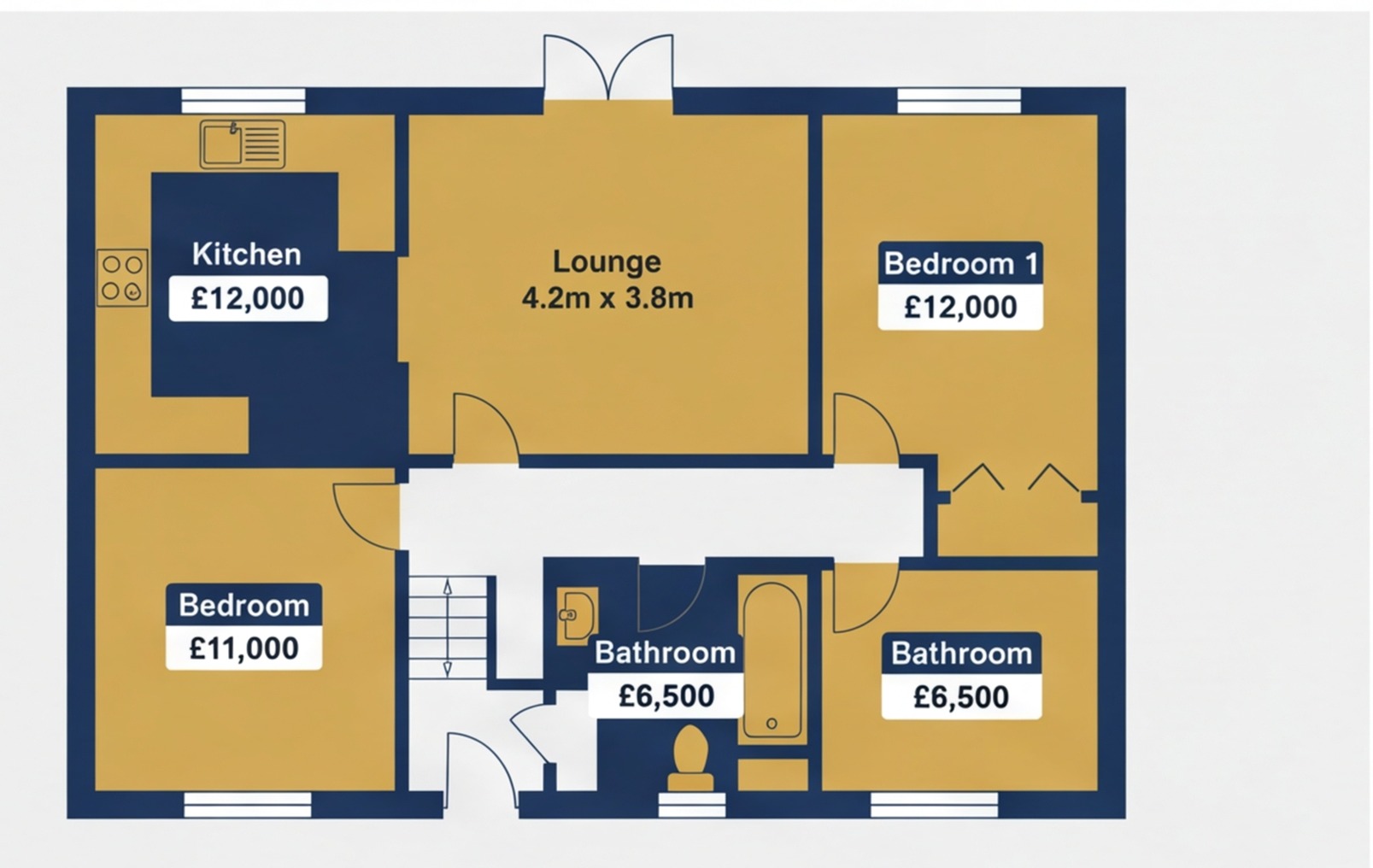
A simple sense check:
- If purchase price + renovation budget + buying costs leaves a sensible margin against the comparable sold prices in the street — worth pursuing
- If the numbers only work if everything comes in at the bottom of your cost range — too risky
- If even your light-contingency scenario doesn't stack up — walk away now, before you spend money on a survey
This quick filter saves you money and time. Investors who skip it end up spending survey fees, legal fees and viewing time on properties that were never going to work.
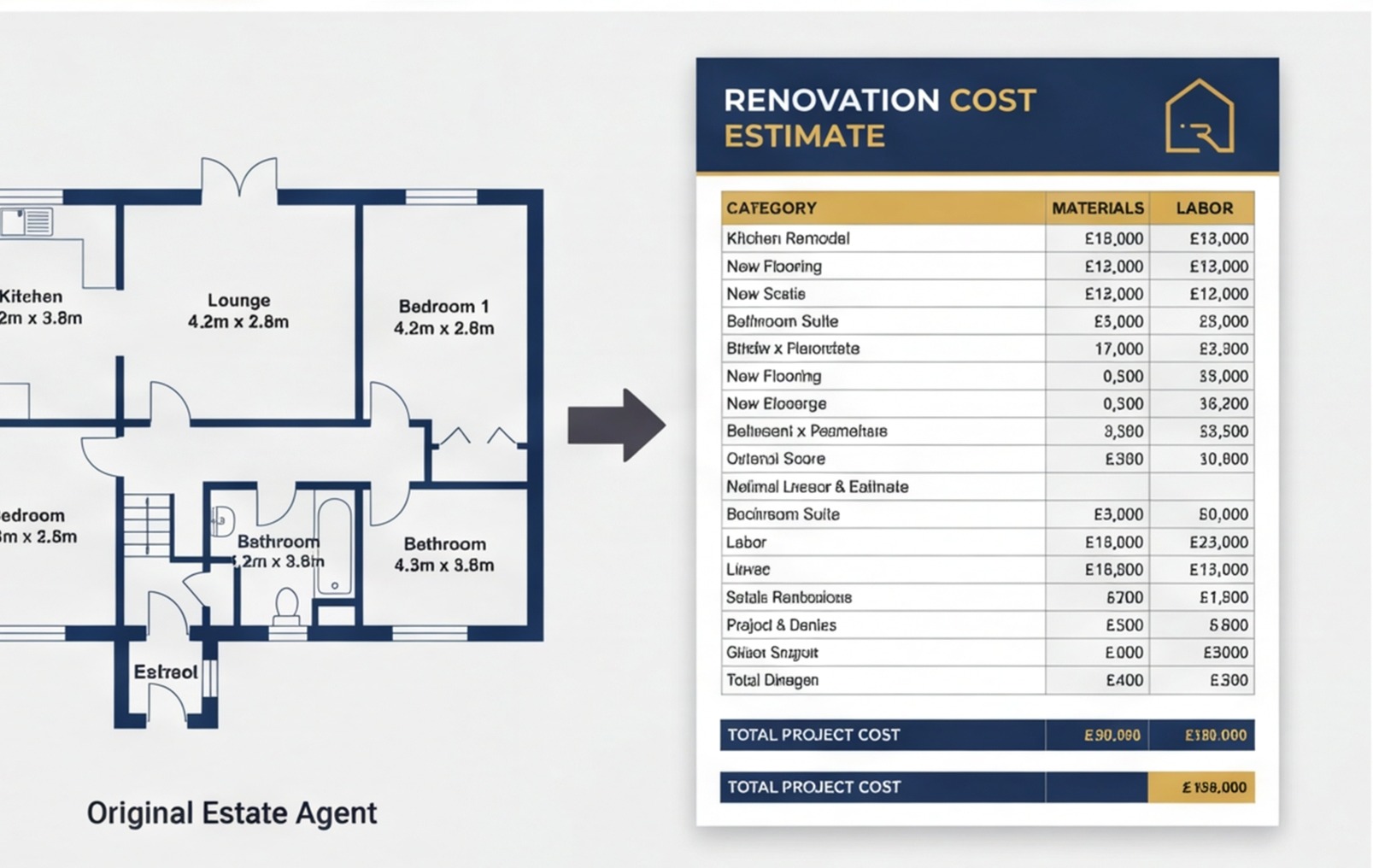
The Limits of a Floor-Plan Budget
I want to be clear about what this process isn't. A five-minute floor-plan budget is a deal-screening tool. It tells you whether a property is in the right ballpark. It is not a quote, a tender figure or a contract basis.
The things that will change your number once you're on site:
- Structural issues not visible in photos (wall movement, rotten lintels, failed damp courses)
- The actual condition of electrics and plumbing
- Asbestos — common in properties built before 1990, especially in artex ceilings, floor tiles and pipe lagging
- Ceiling heights significantly above or below standard
- Floor construction (suspended timber vs. solid concrete changes the approach to damp, underfloor heating and levelling)
- The actual age and condition of the roof — hard to assess from a street view, impossible from a floor plan
The 20–25% contingency I recommended above exists specifically because of this list. Once you've visited the property, done a proper survey and had a builder walk it, you can refine the estimate and adjust contingency based on what you actually found.

How RenoCalc Handles This in Under 3 Minutes
The manual process above works fine — but it's still manual. When you're running through 10 or 20 properties a week, the time adds up. That's exactly the workflow we built RenoCalc for.
The process with RenoCalc:
- Save the floor plan image from the Rightmove listing
- Upload it to RenoCalc via the app
- RenoCalc's AI reads the floor plan, extracts room dimensions and calculates total floor area
- Select your target refurb scope (light, medium or heavy)
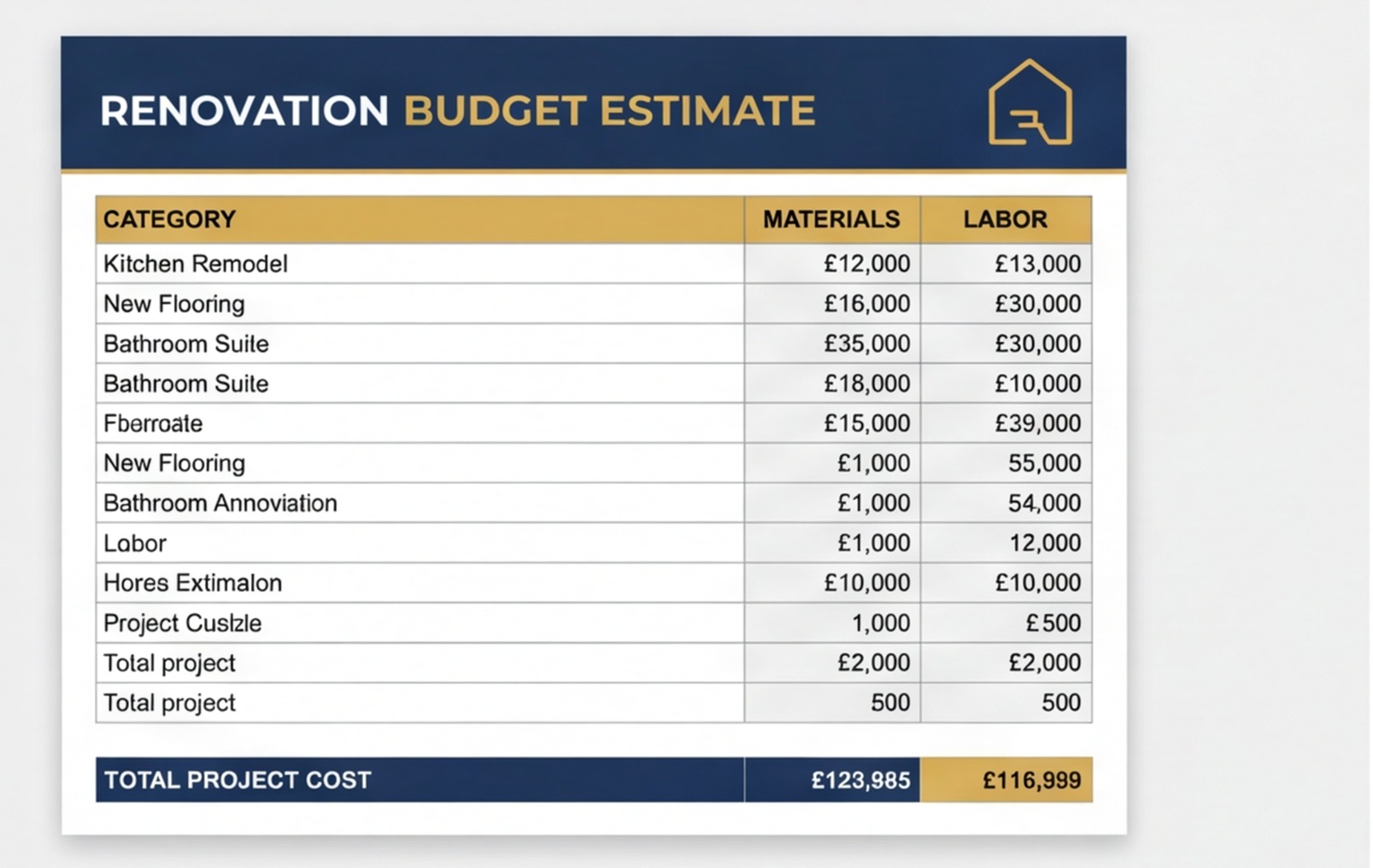
- RenoCalc generates a trade-by-trade renovation budget using current UK rate data
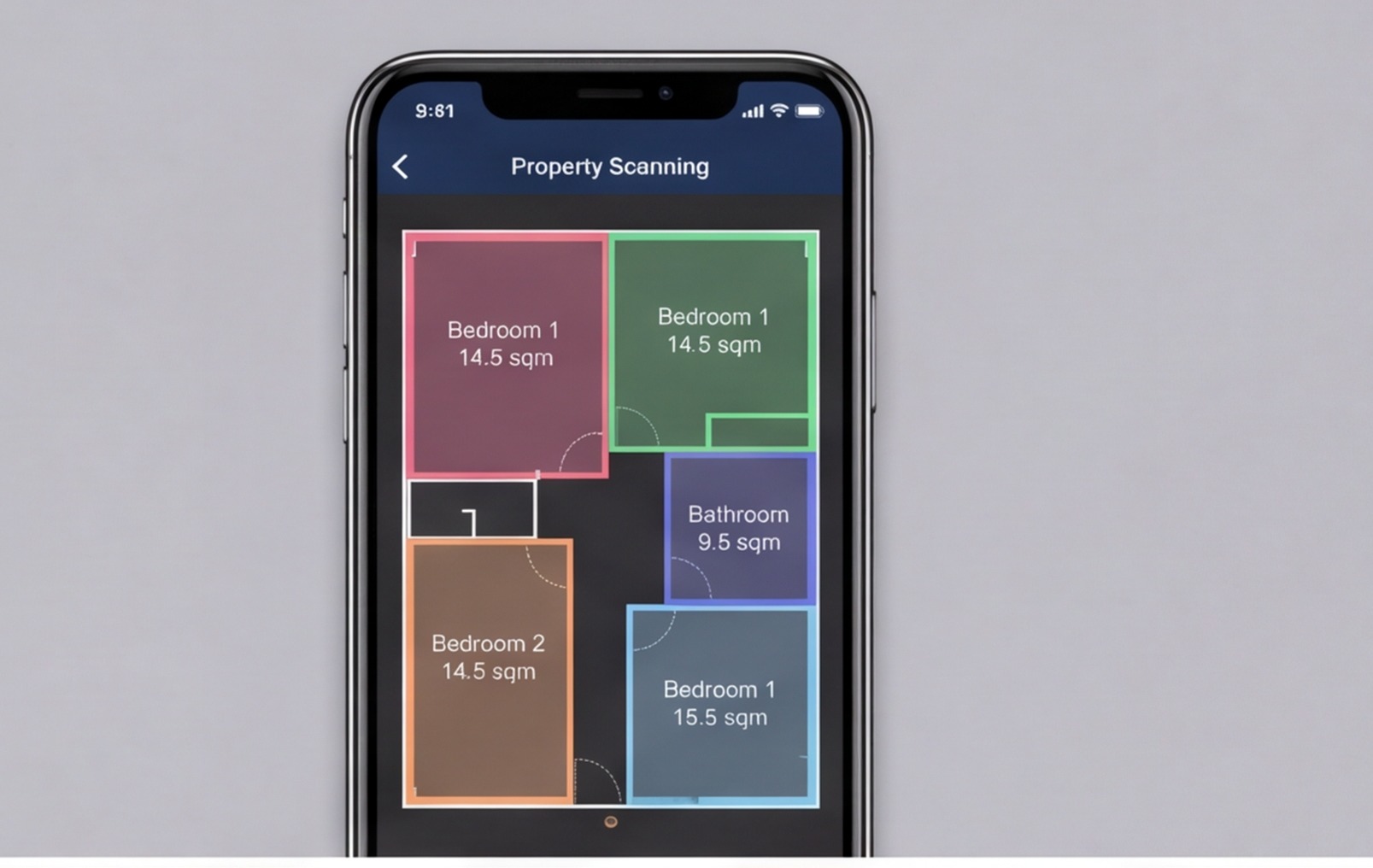
You get a structured output — total floor area, cost per room type, trade-by-trade ranges, total budget with contingency — in under three minutes. The floor plan cost estimator is designed for exactly this use case: volume property assessment from estate agent floor plans.
RenoCalc is an independent tool. It has no affiliation with Rightmove. You simply save the floor plan image and upload it — no account connections or third-party integrations needed.
For investors running the BRRRR strategy or flipping houses, this kind of fast preliminary budgeting is the difference between seeing 50 deals and analysing 50 deals. Read our guide on how to cost a refurb before you offer for more on integrating this into your deal process.
If you want a deeper understanding of the floor plan reading process itself, the guide on how to read estate agent floor plans for renovation quoting covers every symbol and convention in detail.
Frequently Asked Questions
Can I get a renovation budget from a Rightmove floor plan?
Yes, as a working estimate. A Rightmove floor plan gives you room layout, approximate dimensions and a picture of the property's footprint. From that you can calculate total floor area, count the wet rooms and classify the refurb scope — enough to build a credible early budget. RenoCalc can read the floor plan image directly and generate a structured cost breakdown in minutes. Treat the result as a deal-screening tool, not a fixed quote, and always follow up with a site visit.
How accurate is a renovation budget built from a floor plan?
At the floor-plan stage, expect accuracy of ±20–30%. The floor plan tells you area and layout but not condition, ceiling height, which walls are structural or where the services run. Those unknowns are what push costs over budget. A 20% contingency on a floor-plan budget is sensible. Once you've done a site survey, you can tighten the estimate and reduce contingency as unknowns are resolved.
Is RenoCalc affiliated with Rightmove?
No. RenoCalc is an independent renovation estimation tool. We have no partnership, affiliation or commercial relationship with Rightmove. Floor plans downloaded from Rightmove listings are produced by third-party floor plan providers and are made available by estate agents for marketing purposes. RenoCalc processes the image you upload — it does not connect to Rightmove's platform.
What information can I extract from a Rightmove floor plan?
From a Rightmove floor plan you can extract: total floor area per floor and overall, number and type of rooms, number of wet rooms (bathrooms, kitchens), rough room dimensions where printed, staircase position, whether there's a loft room or basement, and sometimes outbuilding footprints. You cannot reliably extract ceiling heights, structural wall positions, service locations or the condition of existing finishes.
What does a 5-minute renovation budget look like in practice?
A 5-minute floor-plan budget gives you: total floor area, number of wet rooms, a refurb scope classification (light, medium or heavy), trade-by-trade cost ranges, a total budget range with contingency, and a rough per-square-metre build cost. It's enough to decide whether a property is worth viewing and whether the numbers can stack up at the asking price. Refine it on site with a builder's survey before committing to anything.
Stop Guessing — Start with the Floor Plan
A Rightmove floor plan is more than a room layout diagram. Used correctly, it's the first data point in a renovation budget — a 5-minute filter that tells you whether a property is worth the time and cost of a full survey. Build the habit of running this check on every property you're considering, and you'll make better use of your survey budget and your time.
Try RenoCalc with your next Rightmove floor plan and see how fast the analysis gets when the area calculations happen automatically.
From Floor Plan to Budget in Minutes
Upload any estate agent floor plan and RenoCalc generates a full UK renovation budget — trade by trade, with contingency — in under 3 minutes.
Try RenoCalc Free
Pindi Sahota
Pindi has spent 30+ years in the building trade, running building projects across the UK. He is the founder of RenoCalc — the AI quoting app that turns floor plans into full job quotes in under 3 minutes. Based in Coventry, Director of Future Build Cov Ltd.